DESIGN STUDY Freelance · 2015
Handstand: reducing friction for a personal training marketplace
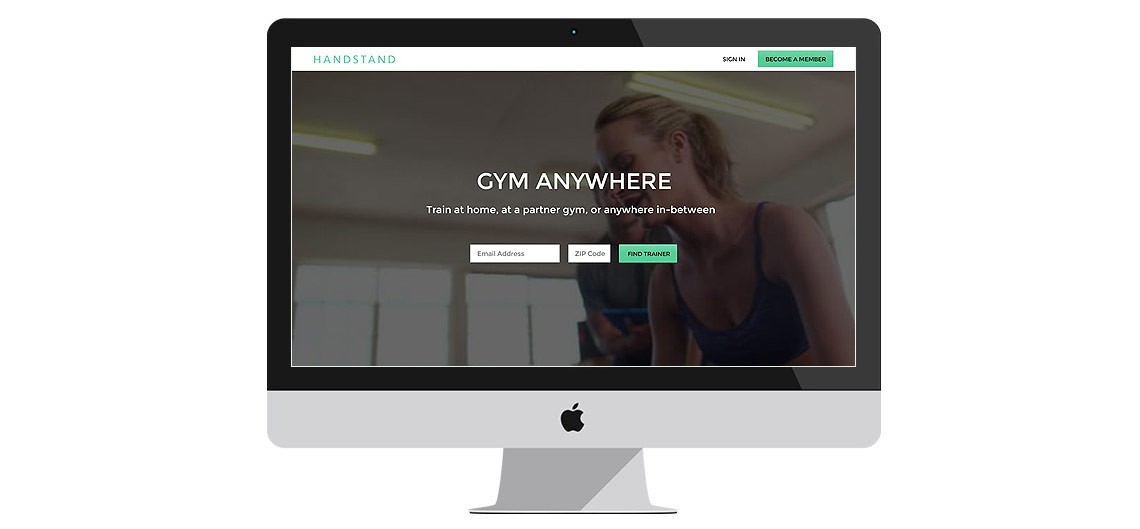
Handstand provided on-demand personal trainer services. With a mobile product already in market, the desktop site was next for a full functionality upgrade and redesign.
Deliverable
Desktop redesign
Focus
Workflow, trainer UX
The challenge
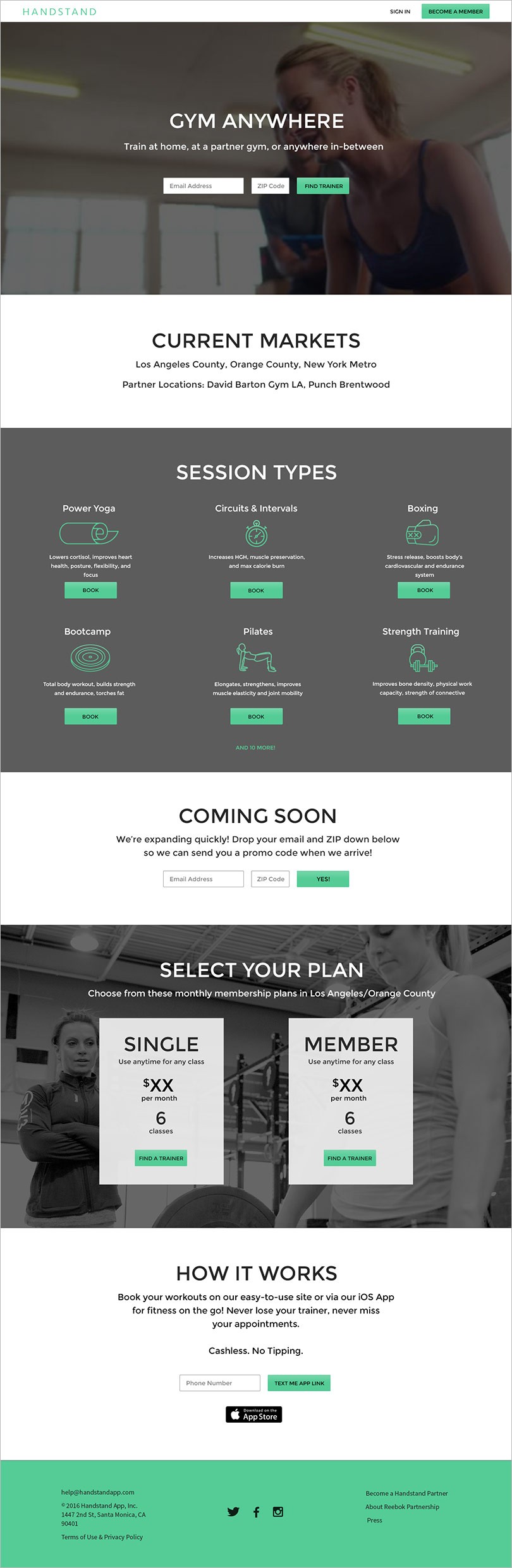
Handstand's first-generation mobile product had launched successfully and the company's focus turned to their desktop product. A full redesign from an existing brochure site to a robust, fully functional scheduling website was the next priority. The mobile workflow had significant barriers for first-time users that we aimed to address in the desktop application.
A key workflow change was moving login from the beginning of the selection process to later in the flow, reducing friction by allowing users to find the best combination of trainer, class, location, and time before requiring credentials. Committing to an unknown trainer was also understood as a barrier to engagement, so we conducted research to determine what information customers would want to know about a trainer before booking.
The strategy
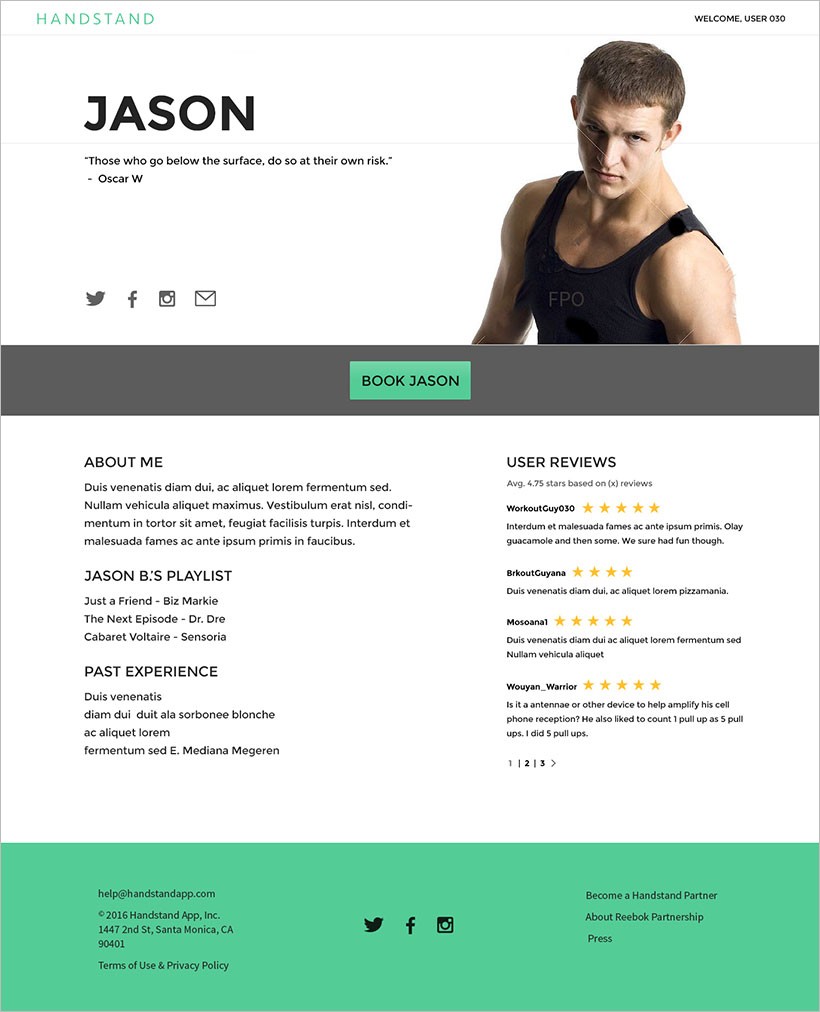
The desktop solution allowed for features that were out of scope in the first generation mobile app. The workflow received the most attention first: by moving login later in the funnel, users could fully explore options before any commitment. The trainer detail page, a new addition, featured trainer-authored content including quotes, testimonials, social links, and workout philosophy.
Full page design
Click any image to enlarge