The dispatcher's day
A drayage dispatcher's job is continuous triage. Every container move depends on an appointment window at a terminal; every window can be disrupted by bay closures, equipment failures, or traffic between ports and inland destinations. The existing tooling fragmented that picture across spreadsheets, phone calls, and terminal portals.
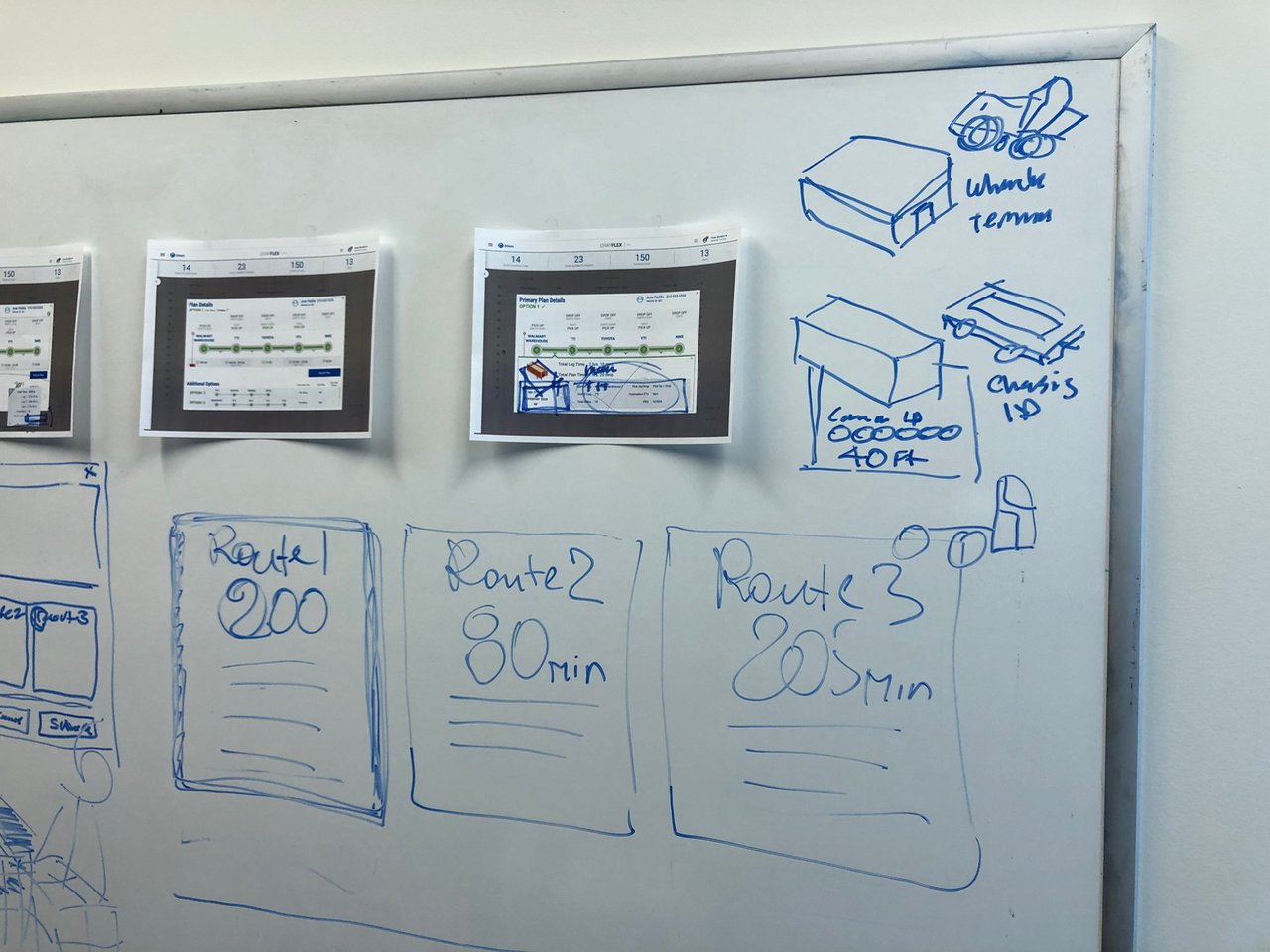
Working through stakeholder interviews and direct sessions with the planning team, we mapped the dispatch workflow from load assignment through completion, identifying where dispatchers lost time reconciling sources instead of making decisions.
One screen for the whole operation
The core design is a high-density planning dashboard built around the metrics dispatchers check constantly: dispatch alerts, moves completed this shift, work available, and active drivers — with each move row carrying its appointment time, terminal pairing, driver, and any blocking alerts (terminal closures, equipment failures) surfaced inline rather than buried in a separate log.
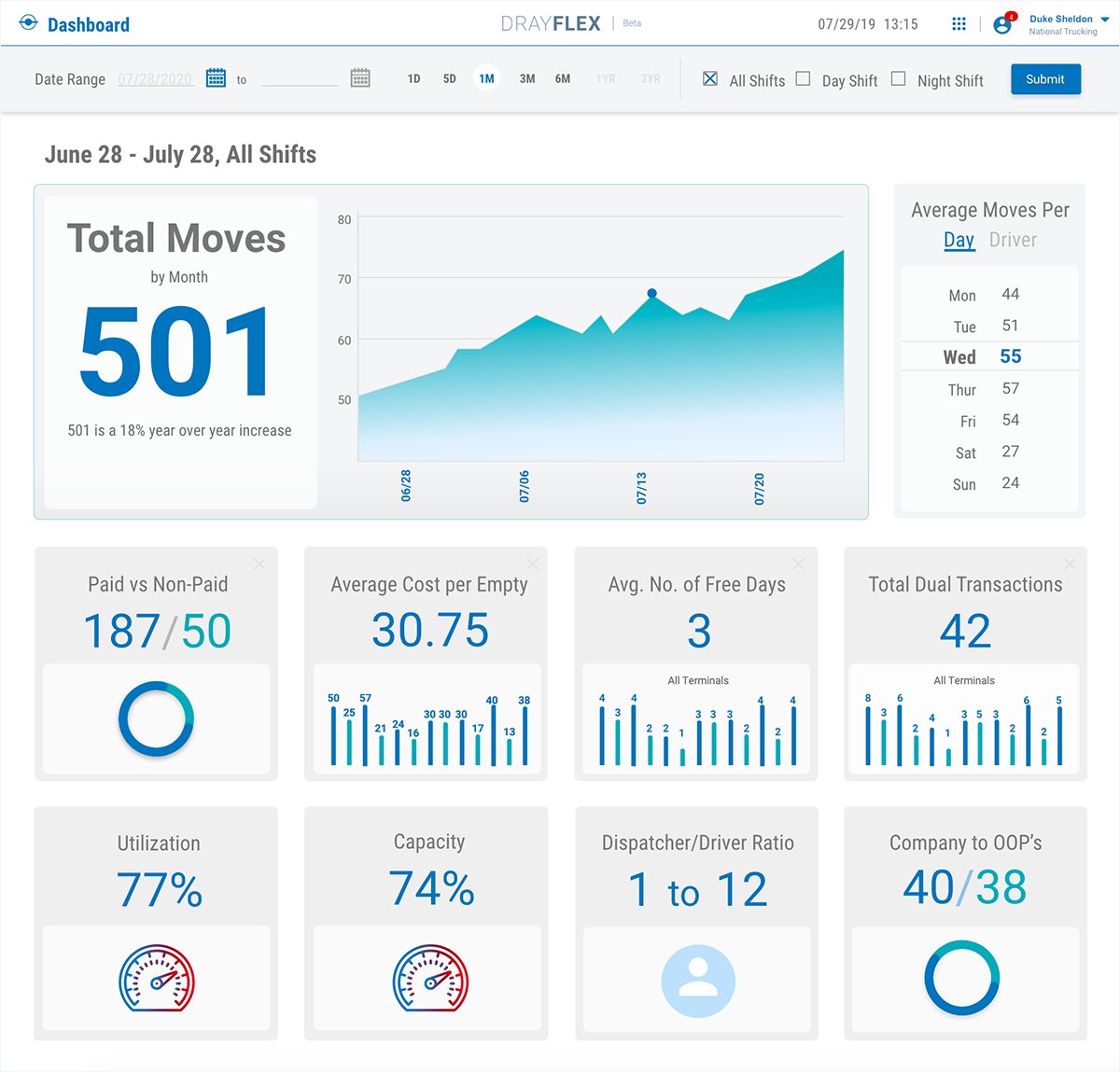
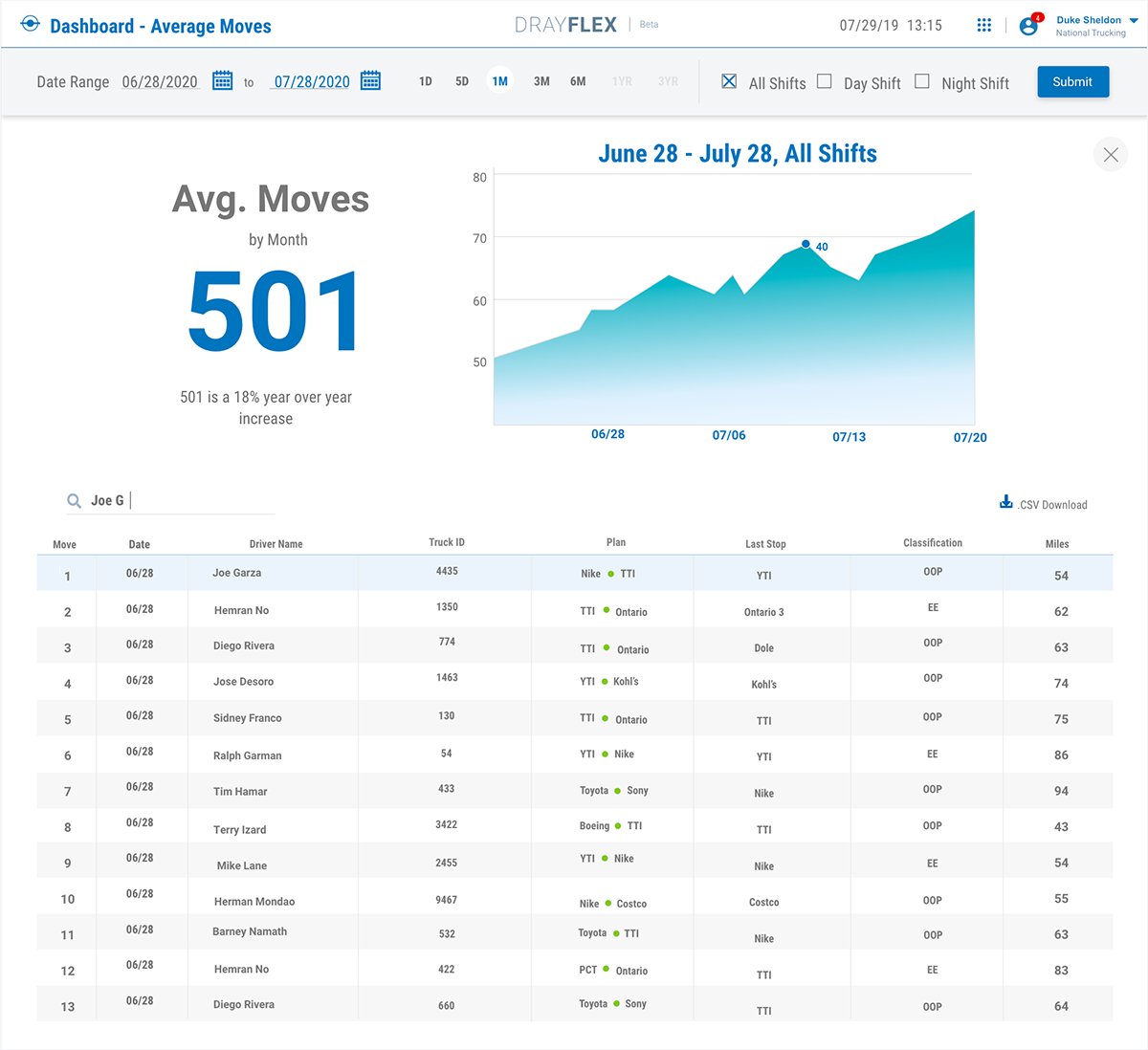
Search and filtering work by any keyword across the board — a deliberate response to watching dispatchers think in fragments: a driver's name, a container number, a terminal code. The interface meets them at whatever handle they have.
Beyond the dashboard
Across the year-long engagement at InfoMagnus, this work extended past a single screen: establishing streamlined user workflows, high-fidelity prototypes, design system revisions, and feature definitions — while strategizing with internal and external teams on the product roadmap and mentoring junior creatives along the way.
The Drayflex beta consolidated the dispatcher's fragmented toolset into a single operational view, and the engagement produced a refined product roadmap and design system foundation for the platform's continued development.